The Operating System for Deskless Workers

Work Zone OS — One Platform. Total Control.

Work Zone OS replaces the daily pileup of time clock apps, paper safety forms, group texts, spreadsheets, dispatch notes, and job-site screenshots with one command center built for road crews and field teams. Crews get a simple mobile workflow. Managers get clean records, faster reporting, and a platform that can be shaped around the way their company actually works.

Less admin drag Turn daily field activity into structured records without chasing crews later.
Configurable by role Admins, supervisors, dispatchers, and crew members see the tools they need.
Built to expand Start with Core, then add dispatch, tracking, integrations, and custom forms.
Interactive Work Zone OS demo
Click the preview to open a larger view
Open demo
SOC 2 Aligned Controls
Encryption in Transit (TLS)
Encryption at Rest
Role-Based Access
Audit-Ready Logging
Stand-alone mobile time clock

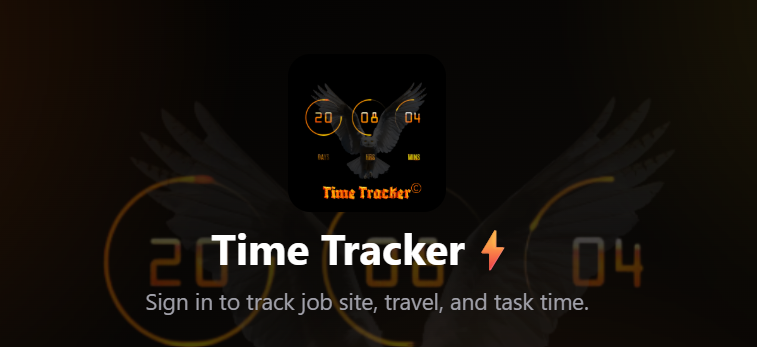
Time Tracker

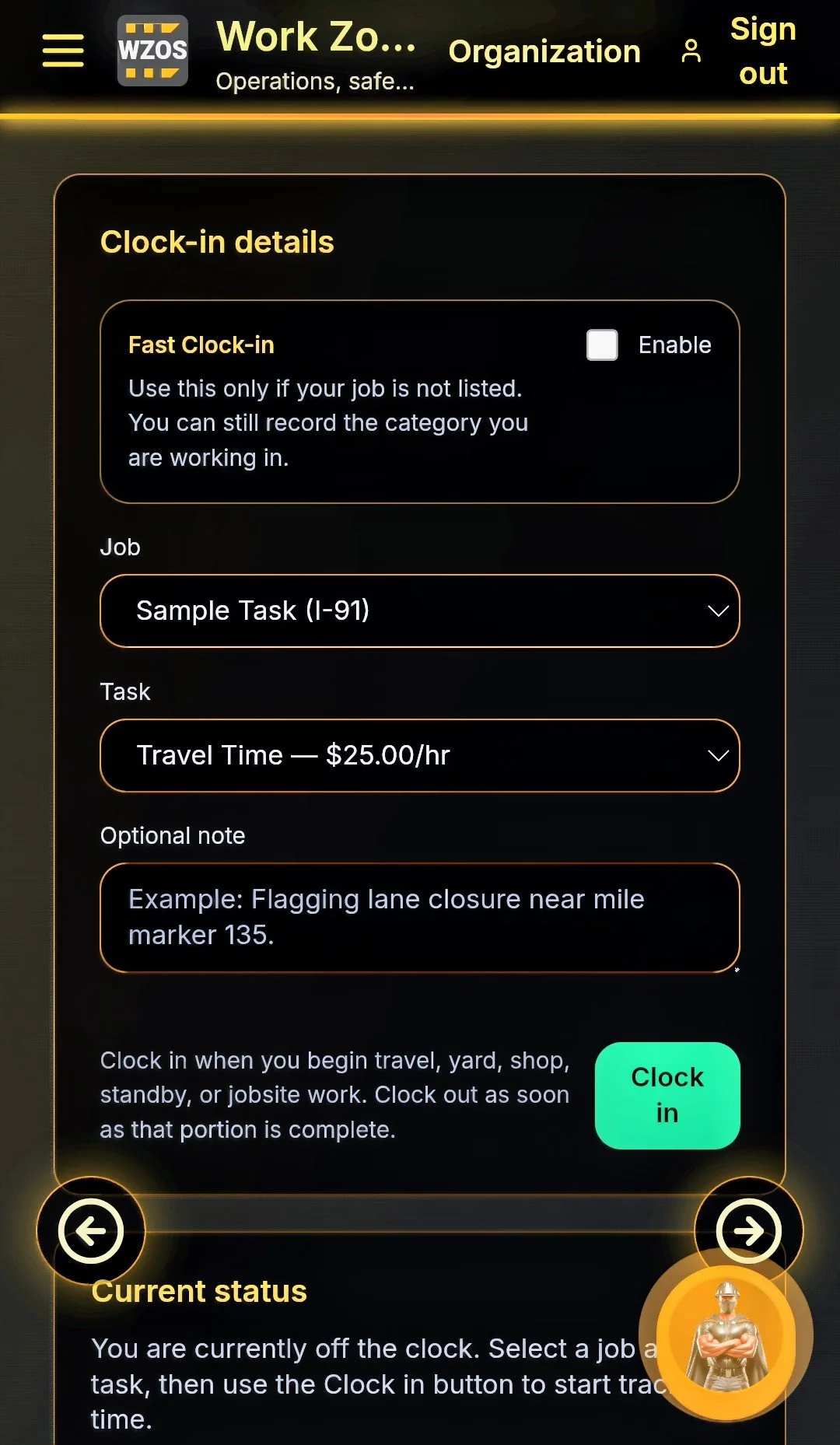
Time Tracker gives deskless crews a fast, easy way to clock in from the field, switch between multiple tasks, and keep hours organized by job, category, and organization role. Workers can handle travel, shop, standby, and jobsite time from their phone with less paperwork, while admins get clean timesheet exports for payroll, billing, and compliance.

Mobile clock-in Task switching Role-based records Timesheet exports
Open Time Tracker Built for phones, crews, and payroll-ready records.

Built for compliance-heavy field operations

Work Zone OS consolidates critical workflows into a single interface that crews actually use—on any device. Reduce admin overhead, enforce standardized processes, and generate consistent reporting without friction.

Time Clock & Timesheets

Payroll-grade

Track travel, yard, and on-site time by job/task. Clean exports and auditable history tied to user identity.

Safety Forms & Reporting

Standardized

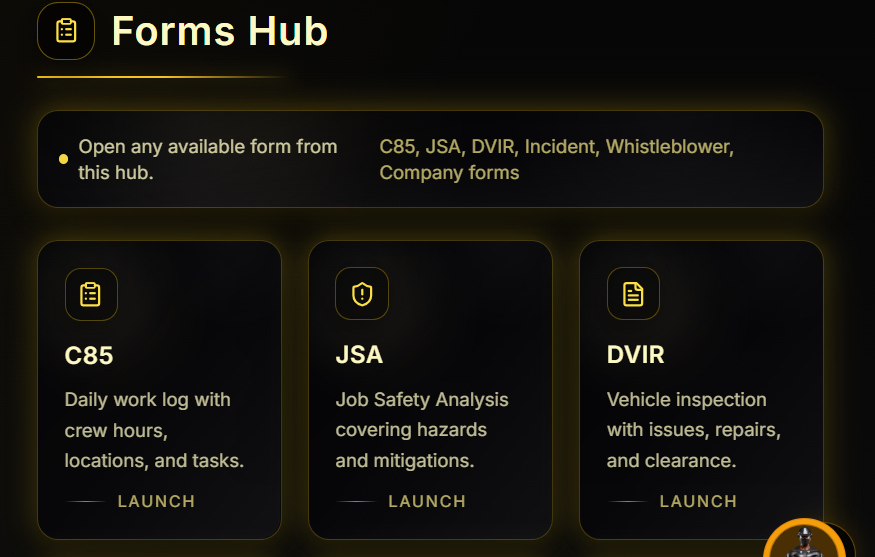
C85, JSA, DVIR, Incident, Whistleblower, and Company Forms—any form your company requires.

Organization & Roles

RBAC

Secure organization spaces with role-based access controls to keep the right data in the right hands.

Dispatch Function

Optional

Available on the Enterprise plan, the Dispatch Function allows for real-time job assignments and updates to keep your crew coordinated on the go.

Vault: Keys & Secrets

Secure

Centralize API keys and credentials under controlled access, reducing operational risk and configuration sprawl.

App Integrations

Extensible

Connect Slack, Teams, Procore, QuickBooks, BambooHR, Zapier, and other platforms as your operations mature.

What you gain immediately

  • Faster daily reporting with fewer errors and missing fields
  • Clear, consistent time data across job types and crews
  • Reduced administrative load through standardized digital forms
  • Improved audit readiness with structured, searchable records

What leadership gets

  • Operational visibility without micromanagement
  • Compliance workflows aligned to real field conditions
  • Role-based access and controlled configuration
  • Expandable integration path (Dispatch, Tracking, Finance)

Shape Work Zone OS around your operation

Every crew runs differently. Choose a company profile to see how the same platform can be configured for safety, dispatch, compliance, payroll, and leadership visibility.

Choose your operating style

The recommended build updates instantly so visitors can picture their own rollout.

Recommended build

Traffic control contractor rollout

Give foremen one place to clock crews, complete C85/JSA packets, message dispatch, and submit clean daily records.

Core modules Time Clock, Forms Hub, Messaging, Organization Roles, Navigation, Work Orders, Video Training, Schedule Management
Standard In All Builds Atlas AI Assistant will help you set up your workflow, answer questions, and provide guidance throughout the deployment process.
Customizable for Company C85 templates, lane-closure checklists, equipment inspections, supervisor approvals
Leadership view Daily production records, missing-form alerts, crew hour summaries, audit-ready exports

Product options that grow with the crew

Start focused, then expand into advanced dispatch, integrations, and company-specific workflows as adoption grows.

Core

Best first deployment
Available
Access via checkout
  • Organization setup with role-based access
  • Time Clock, Forms Hub, Messaging, and reports
  • Activation code workflow for secure onboarding
Purchase Core

Enterprise

For regulated or integrated teams
Advanced
Tailored deployment
  • Integration planning for finance, HR, project, and chat tools
  • Security review support, audit exports, and retention planning
  • Custom modules aligned to your operating procedures
Plan Enterprise rollout
Purchase & Activate

Buy access, receive your code, then create your organization in the app.

Checkout is handled by Stripe. After payment, Work Zone OS issues an access code on-screen and by email. Use that code to activate your account.

1. Secure checkoutStripe processes payment and confirms the order.
2. Code issuedYour access / activation code is generated and delivered.
3. Create organizationUse the code in the app to add members and admins.

Private keys stay server-side. Access codes are redeemed only when an authenticated user creates an organization.

Mobile Walkthrough

Mobile workflow walkthrough

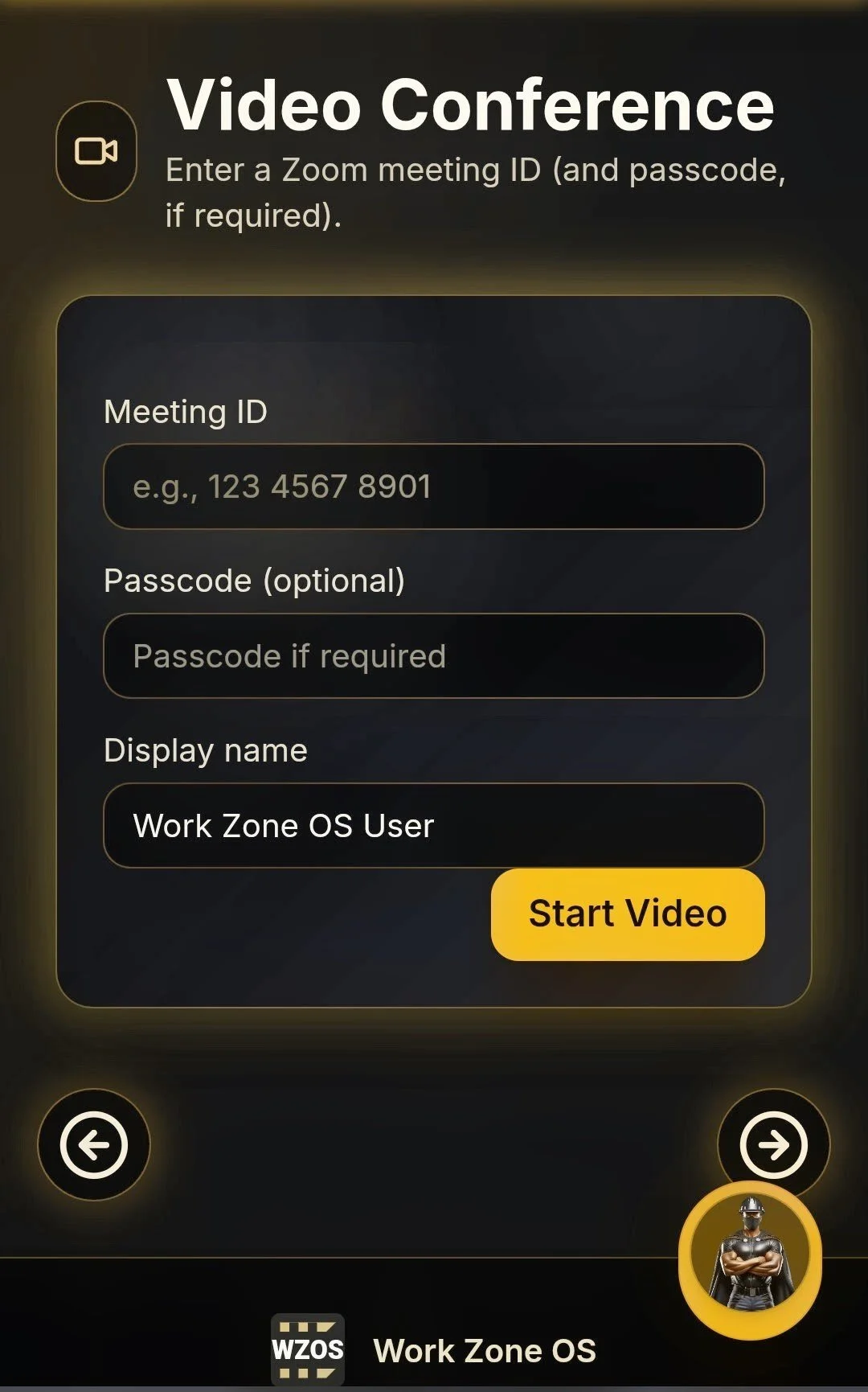
A walkthrough demonstrating key workflows including time clock, safety forms, and report generation.

Live application screens

These images showcase the live application screens, providing a visual overview of the user interface and key workflows.
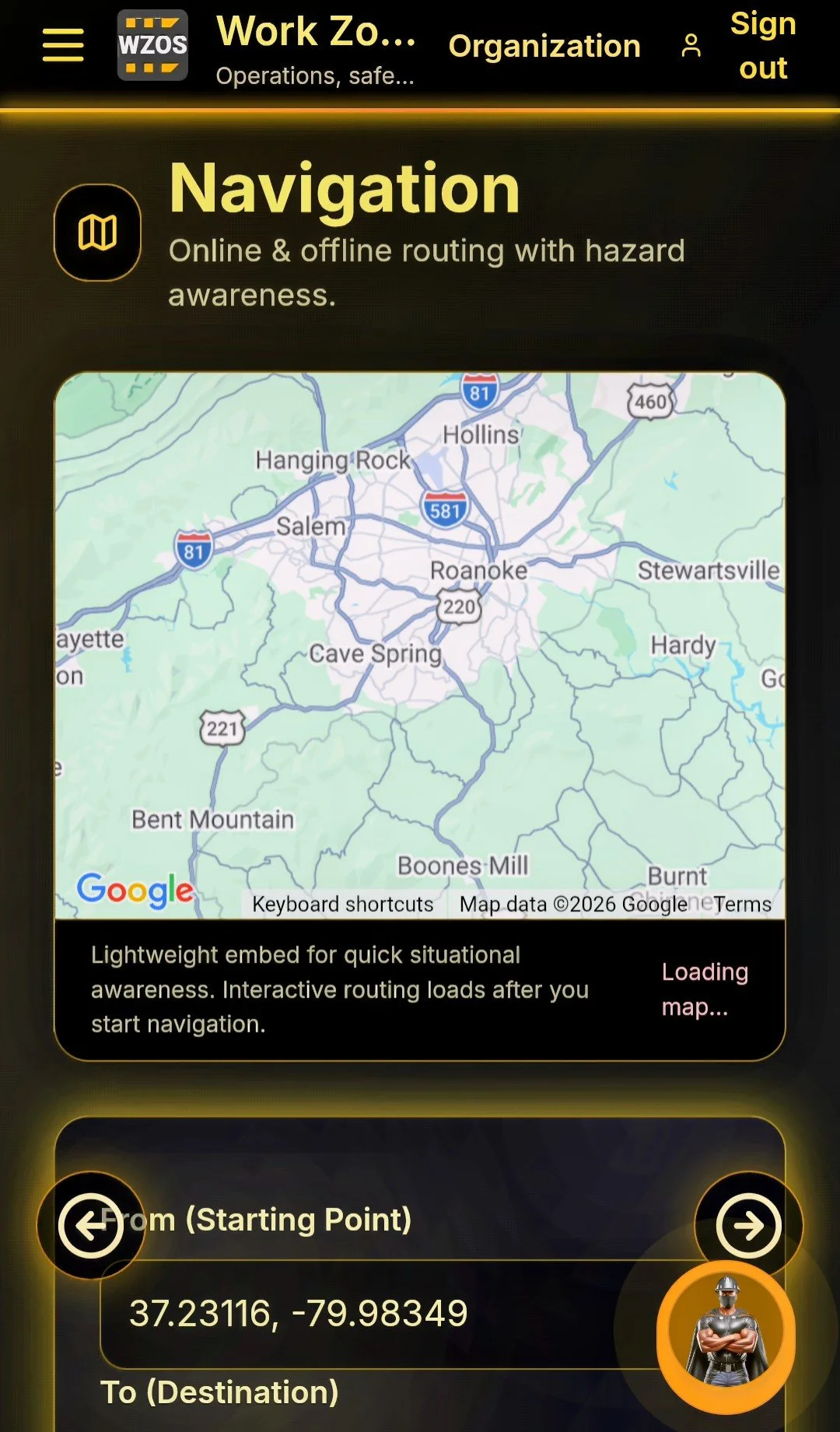
Mobile Experience

Android app walkthrough

A longer walkthrough covering time clock, forms, messaging, and report generation.

Forms Hub screen
Forms Hub — Centralized access to C85, JSA, DVIR, Incident, and Company Forms
Standardized

Enterprise-grade trust signals your buyers expect

Work Zone OS is engineered with security and operational integrity in mind. Whether you are onboarding a single crew or rolling out across divisions, the platform supports strong access controls, secure storage patterns, and audit-ready behavior.

SOC 2 Readiness Path
ISO 27001 Control Mapping
SSO / Identity Provider Compatible
Audit Logs & Event Trails
Data Retention Policies
Least-Privilege Roles
Work Zone OS demo